
You can grant individual student or several students to have extra time or attempts on a quiz. You can also use this option to remove attempts as well, if you need to remove a student attempt, you can decrease the attempts.
- Click Quizzes in the course navigation and open the quiz.
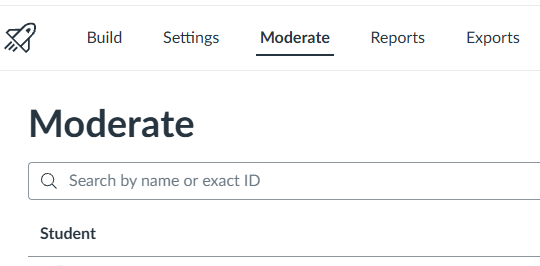
- Click Build at the bottom, then Moderate in the top tabs.
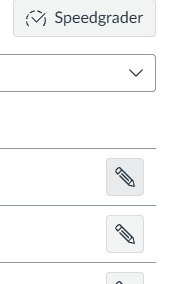
- Find the student’s row and click the Pencil/Edit icon.
- Adjust Extra Attempts or Extra Time on Limited Quizzes.
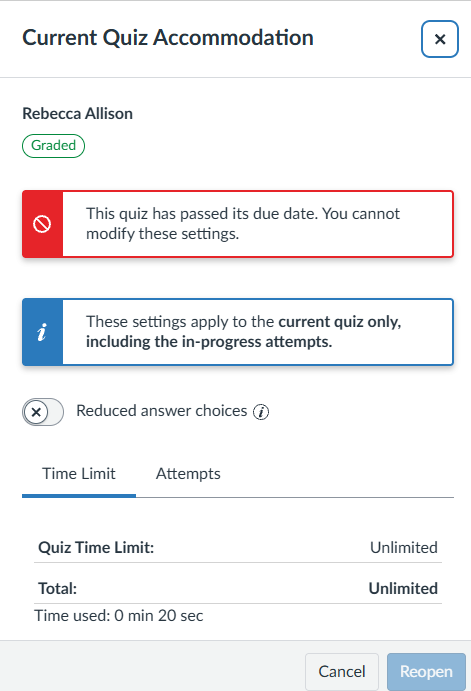
Note: You can still add extra attempts even past the due date. You can add or edit the time limit after the past date, but only it’ll only affect if the quiz’s Until availability date allows students to submit or take extra attempts.
- Click Save.