
In Canvas Pages are customizable digital spaces where instructors share course content, resources, and instructional materials.
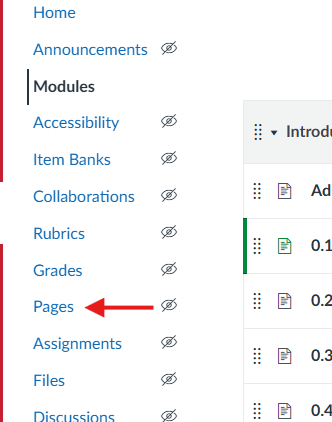
- Click Pages in the course navigation.
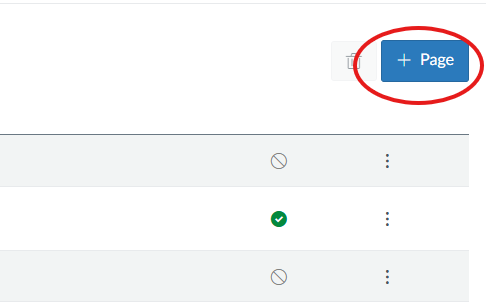
- Click +Page in the top right.
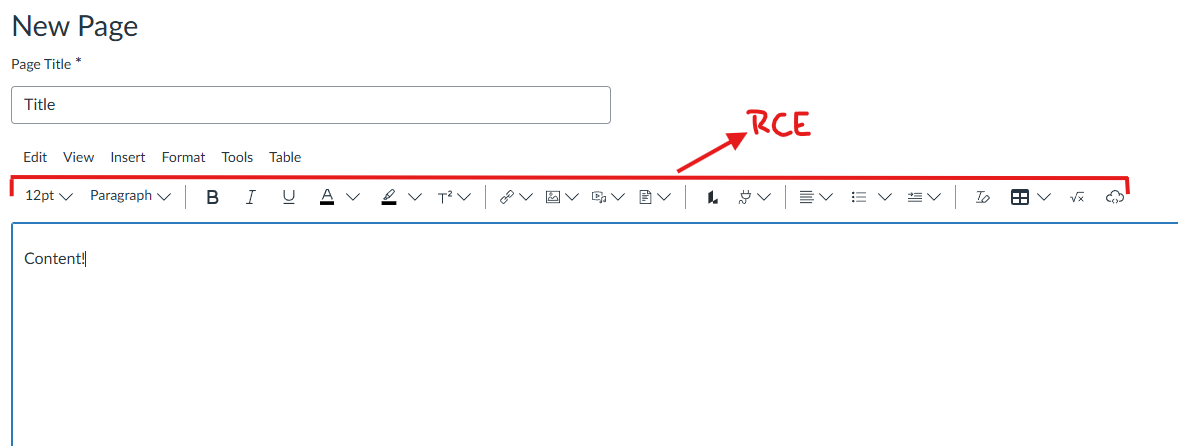
- Give the page a title and add your content using the Rich Content Editor (RCE).
- Click Save & Publish (or Save if you’re not ready to publish yet).