When you have an assignment where students upload a submission, you can download student submission in bulk. The submission download in a single Zip file that instructors can use to grade. Please note that you can’t bulk download media recording submission and it won’t include any media files embedded in text entry submissions.
- Go to Assignments, and click on the name of the assignment you want to review.
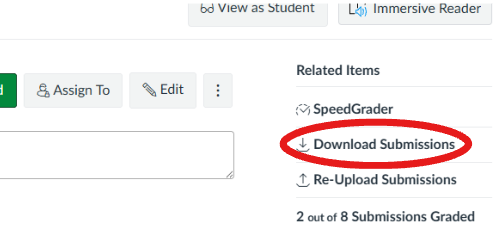
- Click on Download Submissions link.
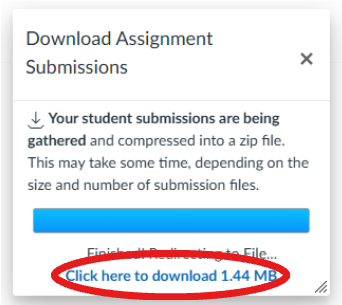
- Canvas will cumulate the submissions and download them to your computer as a .zip file. Click the link Click Here to Download.