Modules are the main way students navigate your course in Canvas, acting like folders that organize your pages, assignments, quizzes, and files into logical units. Setting up your modules thoughtfully makes it easier for students to find what they need and move through your course in the right order.
- Click Modules in the course navigation.
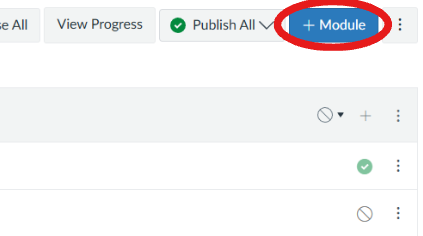
- Click +Module in the top right.
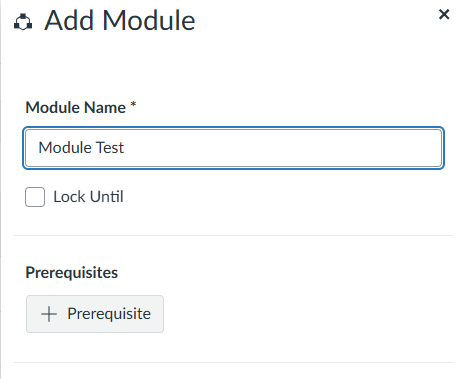
- Name your module and click Add Module.
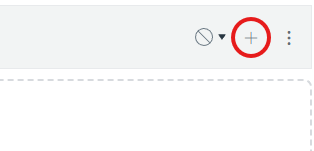
- Click the + icon on the module to add content (pages, files, assignments, quizzes, etc.)
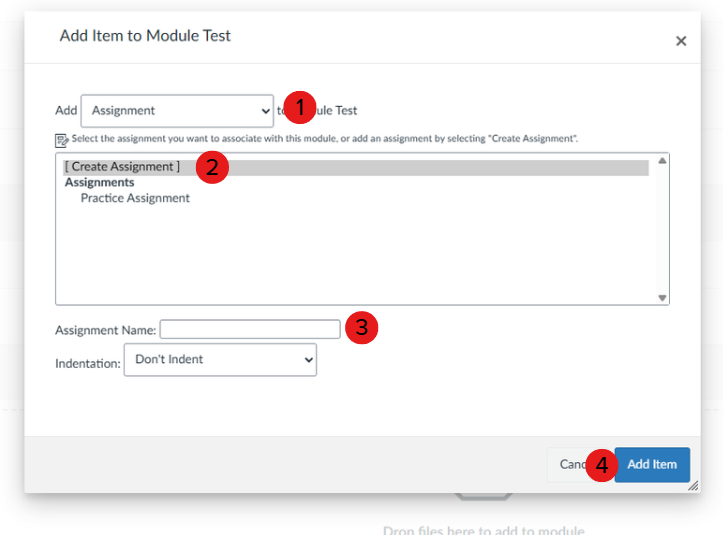
- Select the content type from the dropdown, choose or create the item, and click Add Item.