
Adjusting a due date for an entire class is a quick process in Canvas that can be done directly from the Assignments page. Please note this process updates the date for the whole class.
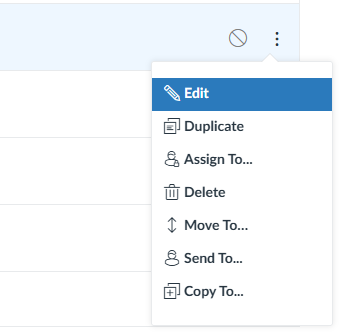
- Click Assignments, click the three-dots on the Assignment you want to change, then click Edit.
- Update the Due Date field.
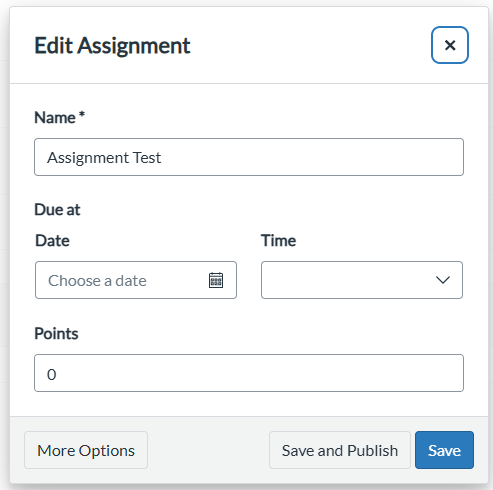
- Click Save.