
The missing and late policy lets you automatically apply a grade for all missing and late submission in the Gradebook. Only submissions with a status of Missing or Late are affected by those submission policies, which need to be set per course.
- In course navigation, click Grades.
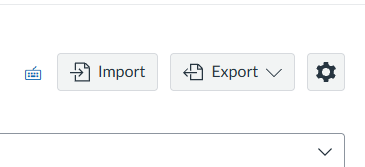
- On the right hand side, click the gear Settings button.
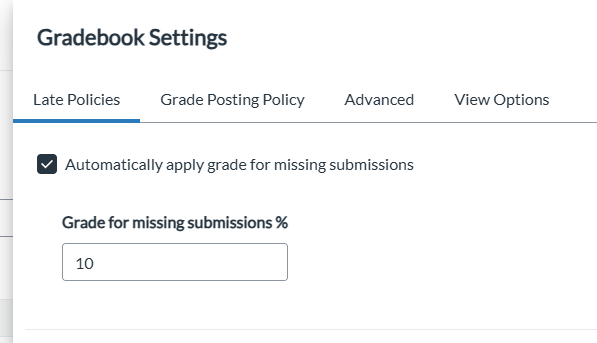
- A tab will pop up, it’s automatically on the Late and Missing Policy settings.
- For Missing Assignments: You’ll click that Checkbox that says Automatically Apply grade for Missing Submissions.
- Then you enter in the percentage of deduction you want to apply.
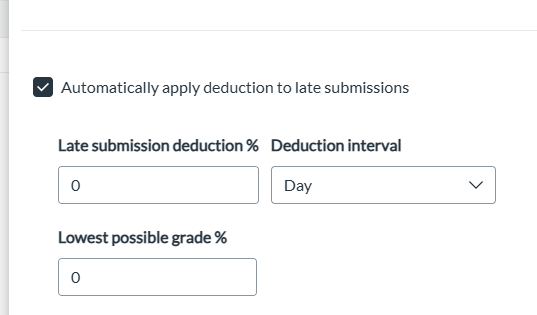
- For Late Assignments: You’ll again click the checkbox that says Automatically Apply Deduction to Late Submission.
- You enter in how much percentage of deduction will apply and how often (Day or Hour).
- Then you’ll enter the Lowest Possible Grade percentage.
- Click Apply Settings.