
Canvas has a built-in messaging system, the Inbox, that lets you communicate with individual students or you entire class without leaving Canvas. Messages sent through Canvas Inbox go directly to students’ notifications and email, but please note that if a student has edited their notification preferences then this could affect this.
- Click the Inbox in the global navigation (envelope icon)
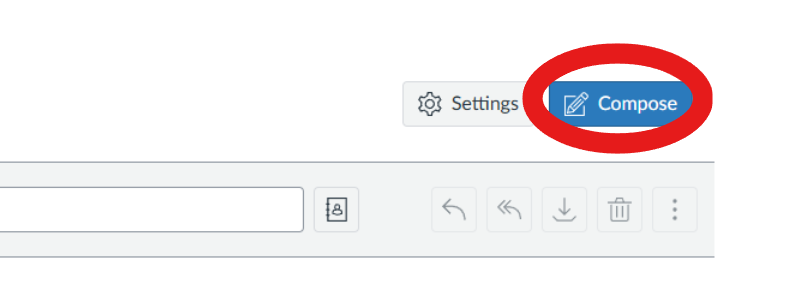
- Click Compose in the top right.
- Select your course from the Course dropdown.
- In the To field, select individual students, or click the people icon to message everyone in the course.
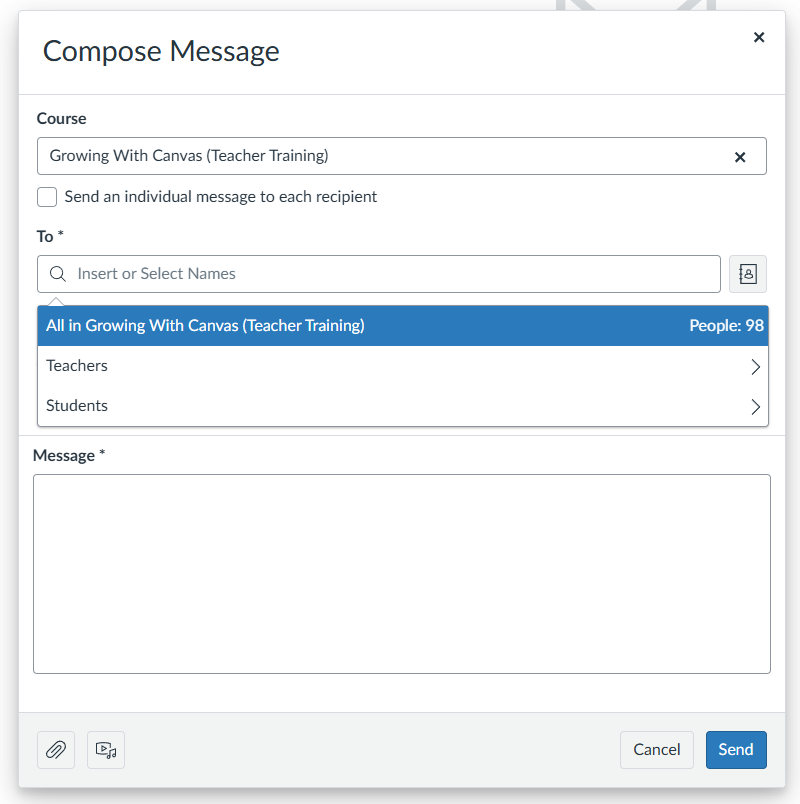
- Type your subject and message, then click Send.