
You can send a course-wide message that appears prominently for all you students as soon as they open your course. Unlike Inbox, messages, Announcements are visible to the whole class and stay posted in your course for students to reference later.
- Click Announcements in the course navigation.
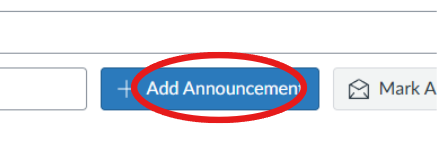
- Click +Announcements in the top right.
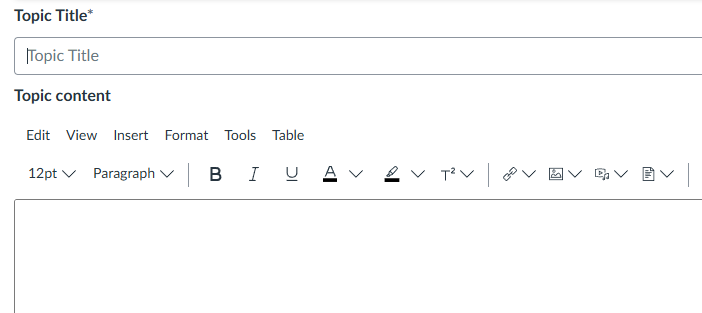
- Add a title and a message.
- (Optional) To Delay Posting to schedule it for later with the Available from section.
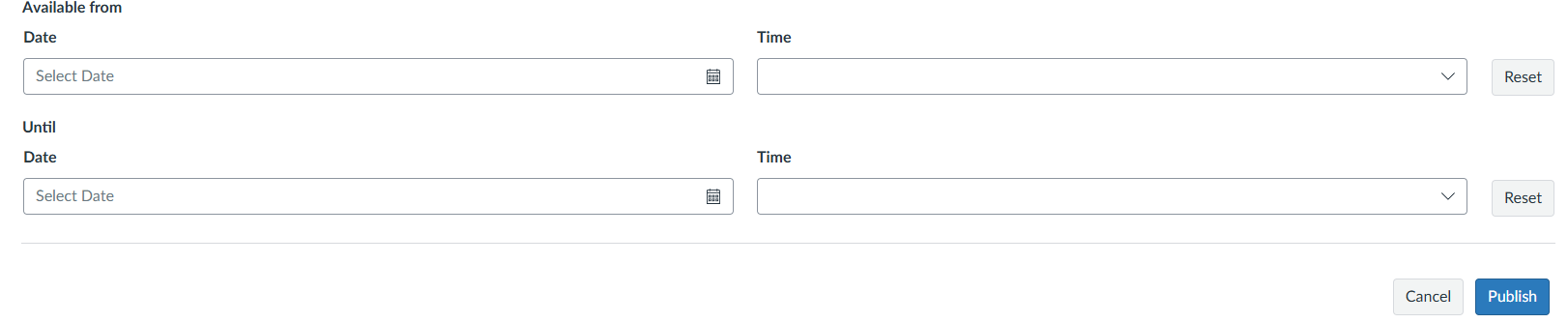
- Click Publish.
Note: If you want to add an attachment, Canvas only allows you to upload 1 document per announcement.