
You can move questions to item banks that you’ve created or item banks that have been shared with you. You can manage your item banks within any quiz in your courses or from the item bank link in the course navigation.
- In the course navigation, click Item Banks.
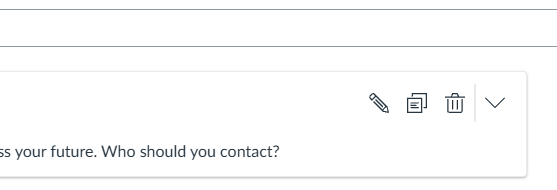
- Click the name of the item bank, then in the question you want to move or copy click the Copy icon.
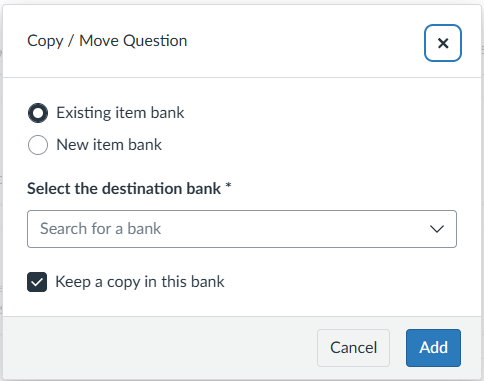
- Then you’ll select whether you want the question in an Existing Item Bank, you’ll choose the name of the item bank in the drop-down.
- Or you can create a New Item Bank, which you will name in the text box.
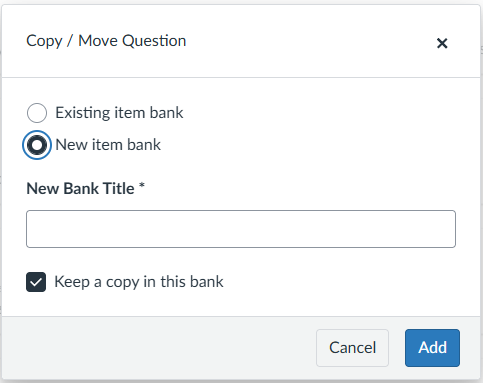
- Click Add.