
As students take quizzes they will be able to view your feedback when they view their results after submitting it. You’d be able to add feedback comments that are relevant to their answer choices. Please note that if you want to add feedback to essay or file upload question types that require manual grading, the comments you add will only display after the quiz is graded and scores are posted.
- Go to Quizzes and open or create a new quiz.
- Click on Build.
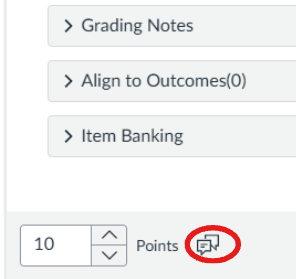
- Scroll to the question(s), and click the dialogue bubble at the bottom of the question.
- Here you’ll be able to enter feedback responses for correct answer, incorrect answers, or general feedbacks.
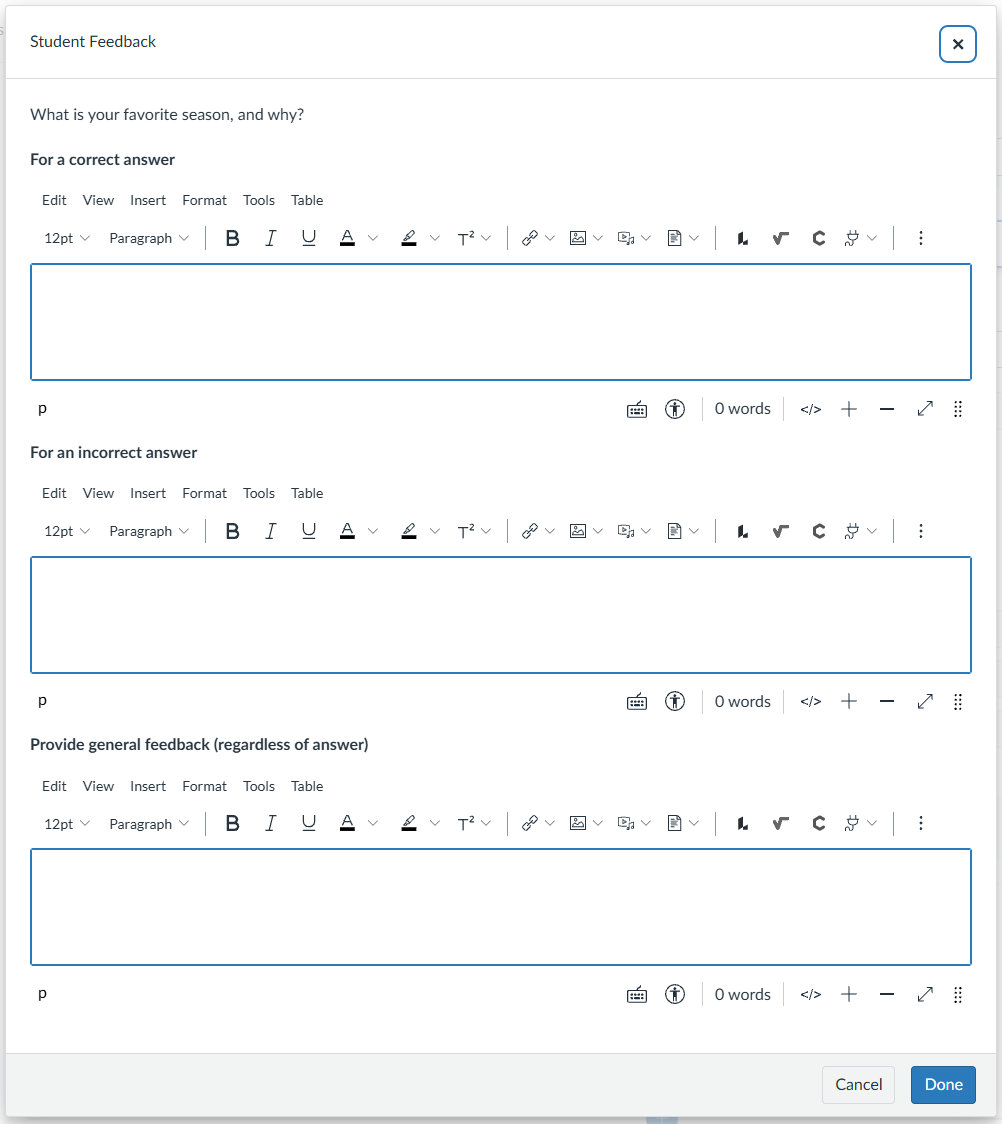
- Click Done.