
You may want or need to add a password students will enter before taking a quiz. You can do several different adjustments to a quizzes setting, this is just one option that a quiz is delivered to students.
- Click Quizzes in the course navigation and open the quiz, or create a new one.
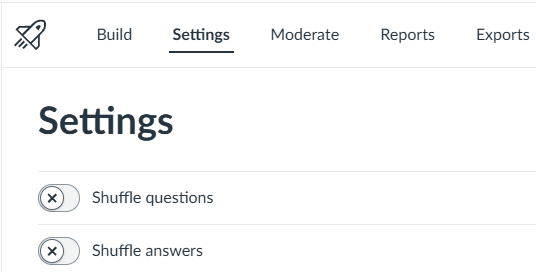
- Click Build, then click the tab at the top that says Settings.
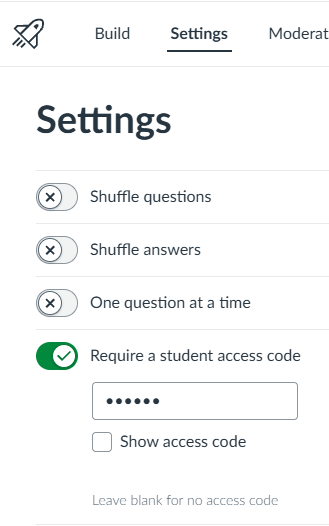
- Scroll down to Require an Access Code, and type the password into the field.
- Click Save & Publish or Save if you want it to stay as a draft.