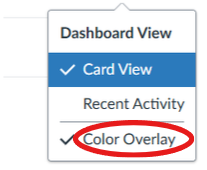
The color overlay setting is for your course cards on your dashboard, this changes the personal color accent for that specific course. The color matches, and updates automatically, the color tag show in your calendar. This setting is only visible to you and do not affect your student’s courses.
- Go to your Dashboard.
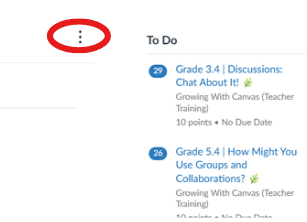
- Click the three-dots icon on the top right corner.
- Click to uncheck Color Overlay.